Virtual Reality

Stand inside it, today.

The whole island in 360 degrees, modelled from the working architectural plans. The tour is below. Look up at the carved ceilings. Turn toward the sea.

Not AI. A 360° walkthrough rendered from the architectural plans · Open in a new window
How to use it

Four ways in.

VR headsetMost immersive
  1. Tap the goggles icon, top right.
  2. Move between places using the white circle hotspots.
  3. The drone icon, top left, lifts you to an aerial view.
TabletSecond best
  1. Go full screen.
  2. Move the tablet around you as though it were a camera.
  3. White circle hotspots, or the side arrows, change location.
  4. The drone icon, top left, for the aerial view.
Phone
  1. The same as a tablet: go full screen, hold the phone up, and turn. The view follows you.
Computer
  1. Go full screen.
  2. Click and hold the image to look around.
  3. Click the white circle hotspots or the arrows to change location.
  4. The drone icon, top left, for the aerial view.

What you can walk through

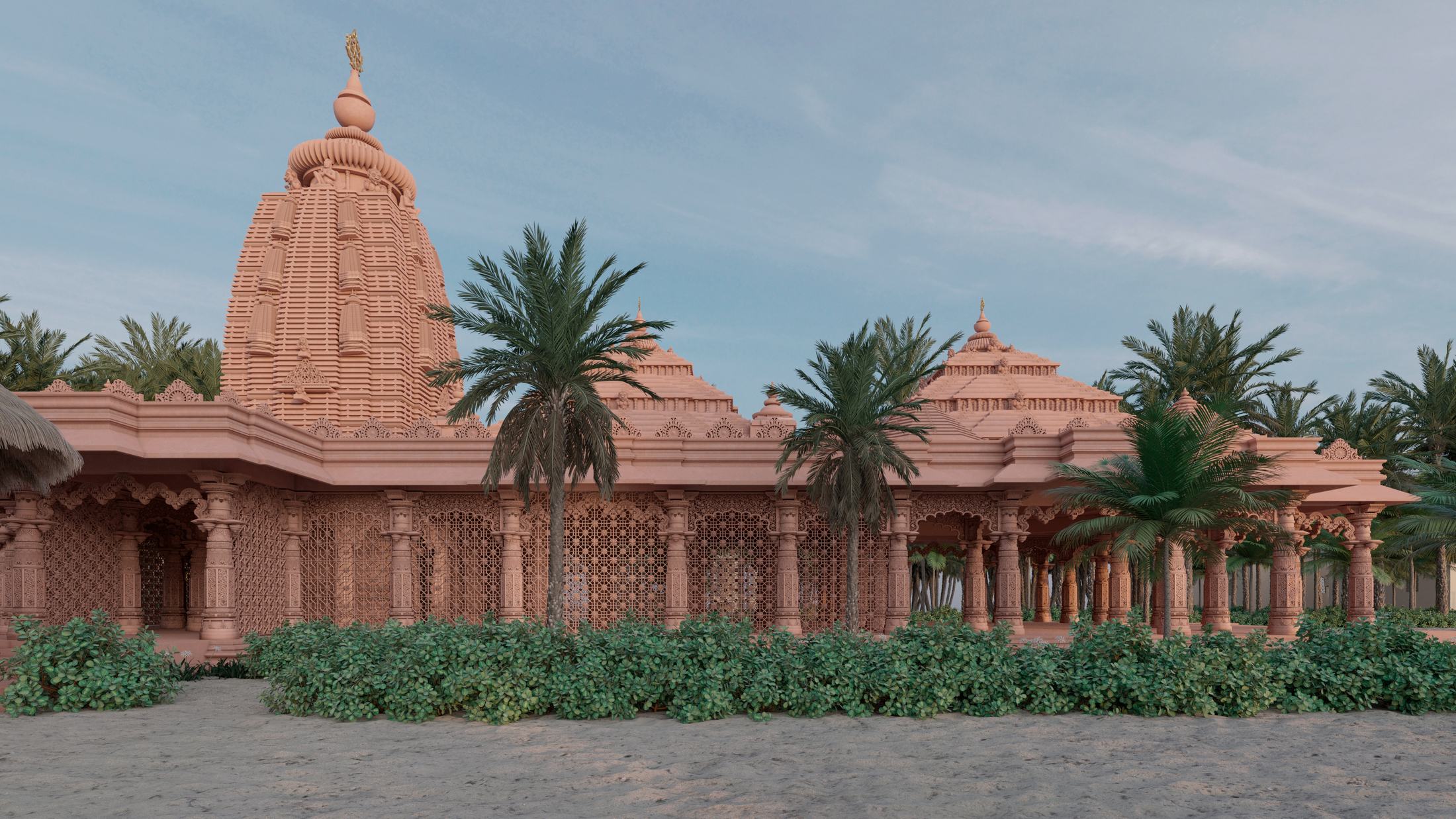
The temple seen from the beach. Architectural rendering.
The Temple, from the beach · A view the tour does not reach
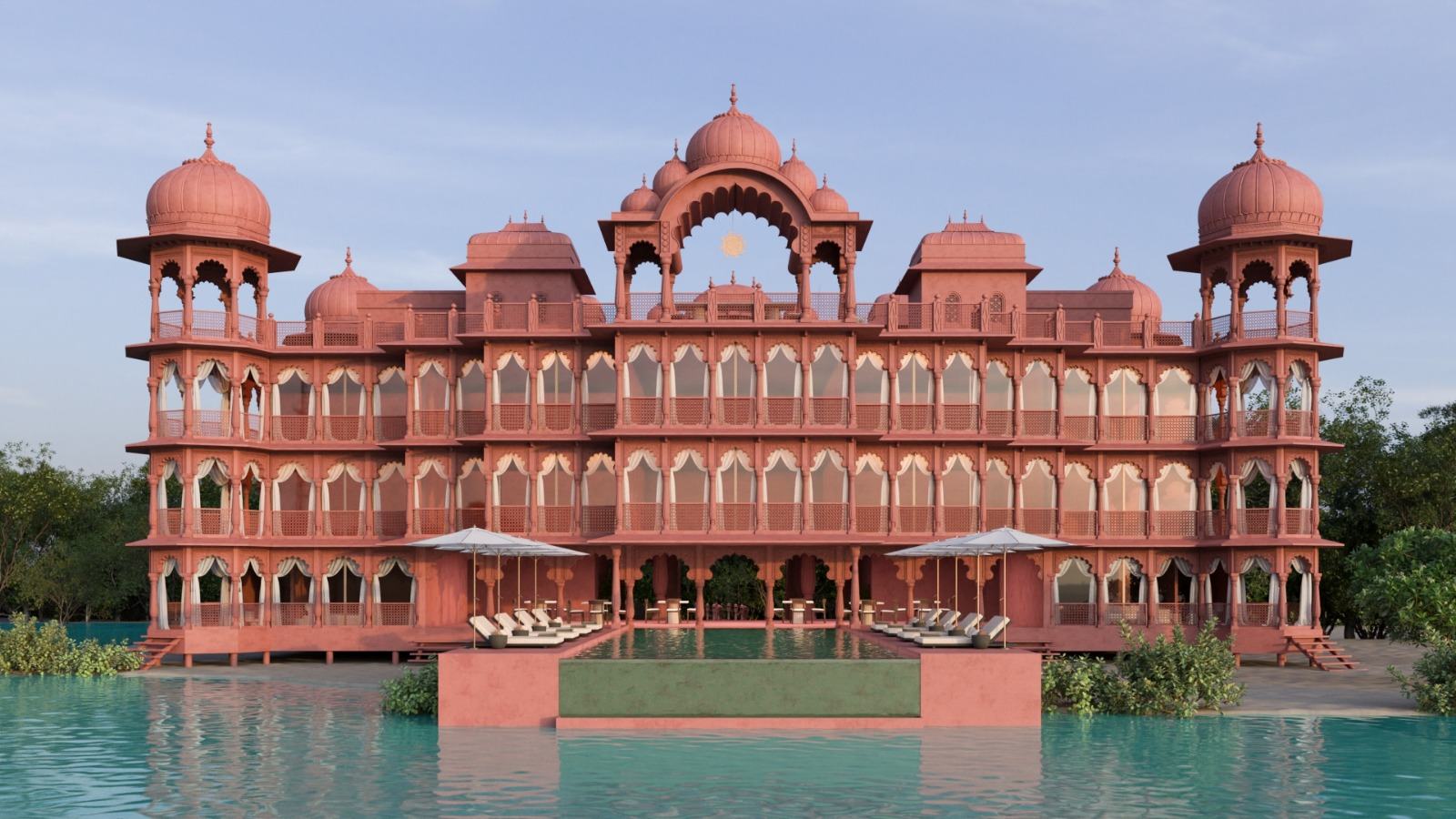
Sunset Palace pool. Architectural rendering.
Sunset Palace Pool · The last stop on the tour

These are renderings of architectural plans, not photographs and not AI images. They are what will be built.

Contact Us Return to the Main Page